
Copying annotations from one raster to another
1606751160001
New
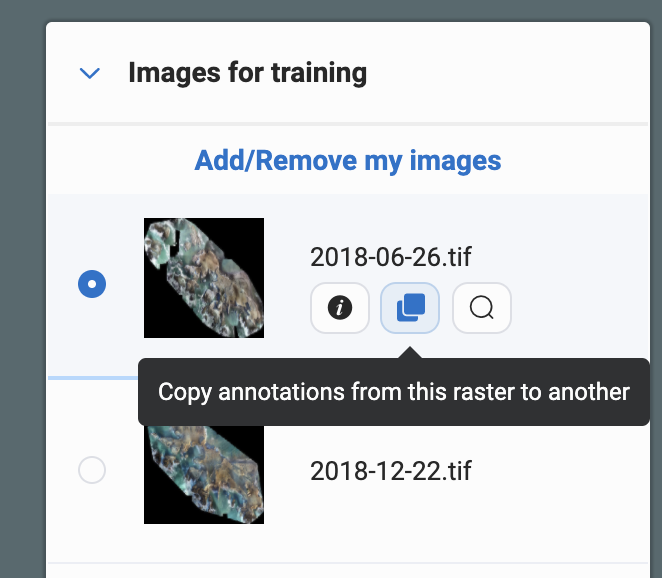
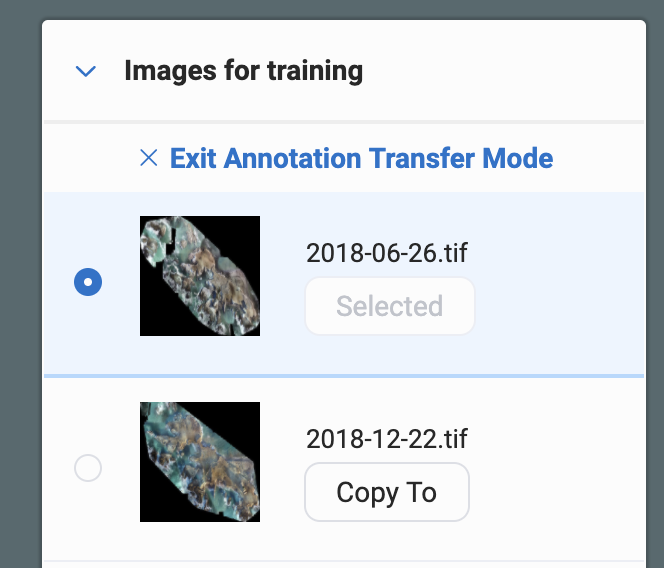
We’ve added a new useful feature this week for those of you who need to be able to annotate on one image, but train on another. This could useful, for example, if you need to train on non-RGB imagery (NIR, SAR, etc) which can be hard to decipher via the human eye. If you have access to the more visually understandable RGB imagery you can annotate on that, then copy your annotations to the non-RGB image. Remember to remove the RGB image that you drew your annotations on from training, otherwise the detector will use the RGB image data, which may not be desired! You can access this feature simply through the image list on the right while training your detector.

Published by Picterra